
PROFESSIONAL AUDIO SOFTWARE

FREE iPAD & iPHONE COMPANION
Your show.
Within reach.
79Signal Player Remote puts your Mac’s cue list and playback controls on your iPad or iPhone. The audio stays on the Mac, connected to your production system.
How pairing works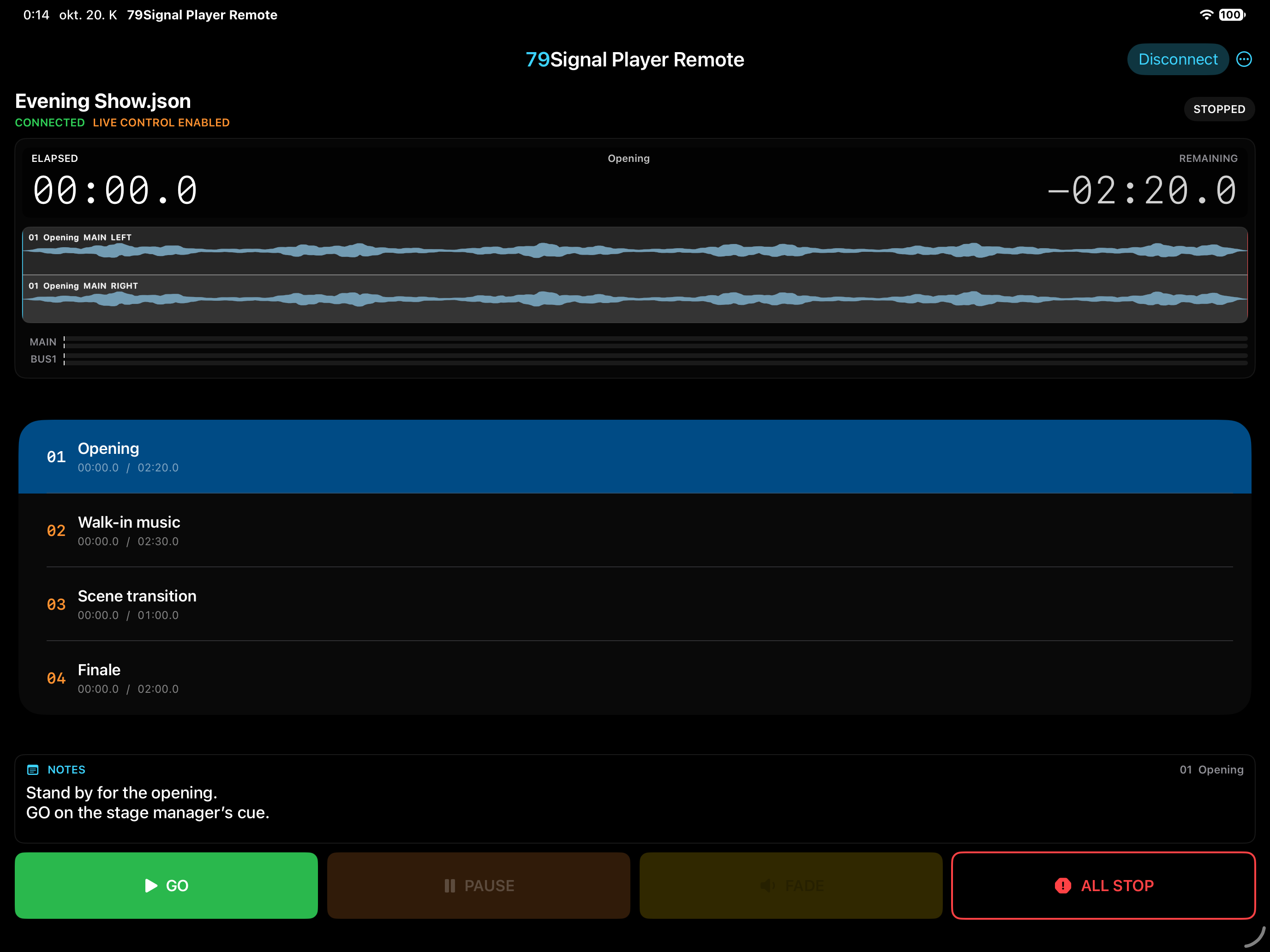
Free Remote. Familiar controls.
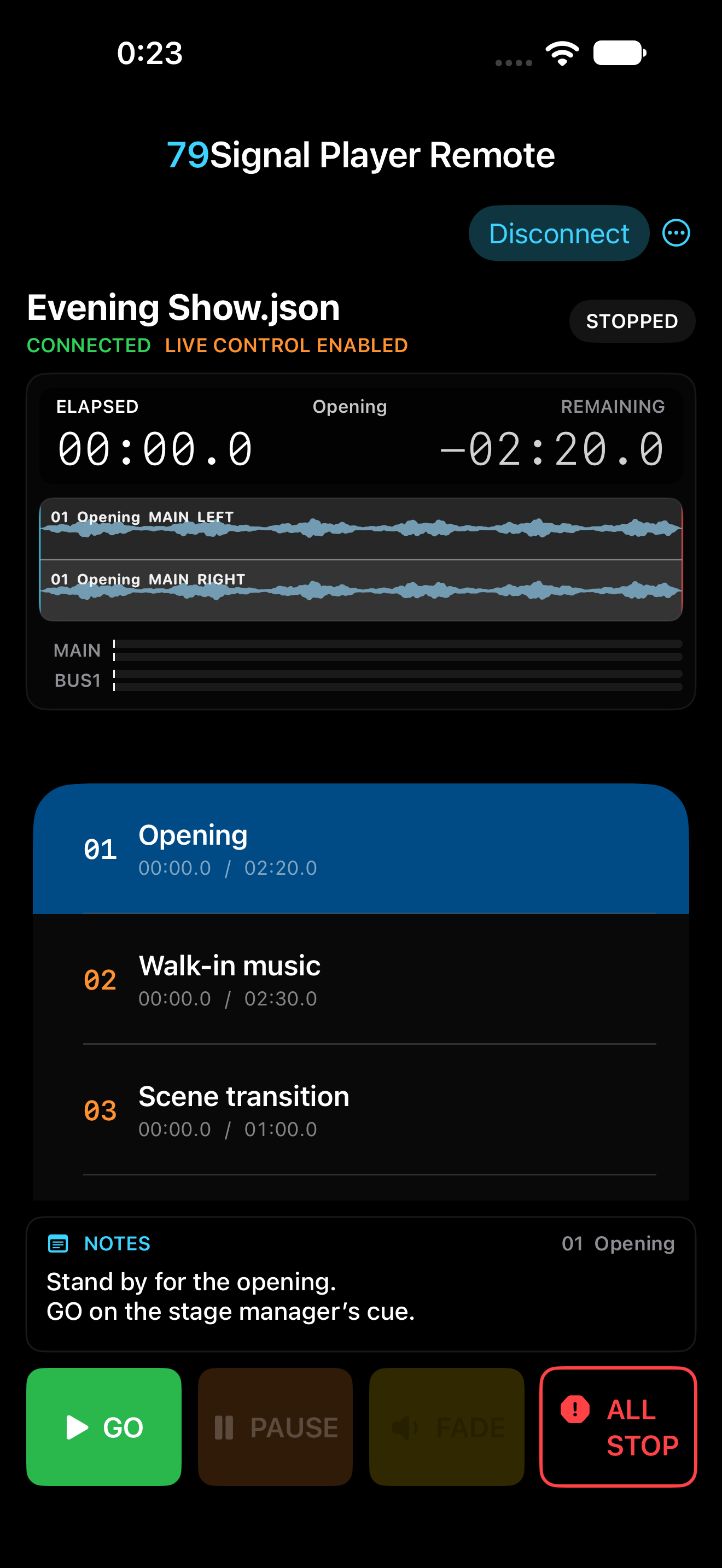
Follow the selected cue, waveform, elapsed and remaining time, Notes and MAIN/BUS1 meters. Control GO, Pause, resume, Fade, Stop and All Stop from your iPad or iPhone.
Player Remote is free, with no purchase inside the Remote app. Mac Player retains its existing cue limit and Full Unlock purchase; Remote does not unlock the Mac app.
Connect in three steps.
- Connect the Mac and iPad or iPhone to the same local network. Open 79Signal Player 1.2 on the Mac.
- On the Mac, choose REMOTE → PAIR to display the pairing QR code.
- Open Remote on the iPad or iPhone, allow Local Network access, choose Scan QR Code and scan the Mac’s code. Camera access is optional if you paste the pairing key instead.
Keep the pairing code private. The connection authenticates the paired Mac and uses encryption. Current pairing uses a QR code or pasted key.
Playback stays where it belongs.
No audio is streamed to the iPad or iPhone. If the network connection is lost, playback on the Mac continues. Remote disables stale controls; reconnect and check the current show state before sending another command.
Remote or Player Lite?
Remote controls 79Signal Player 1.2 running on a Mac. Player Lite is a separate iPad player that runs the audio itself. Choose the product that matches where you want playback to happen.
Availability and requirements
Player Remote is available for iPad and iPhone. It requires Mac Player 1.2 on macOS 13 or later, an iPad or iPhone running iPadOS/iOS 17 or later, and a shared local network.